
Scooters & builds
You start with the AOVOPRO ES80 and work up to a VSETT 9+ or KuKirin G4, each with its own unboxing and assembly. Building your own scooter from parts lets you pick the battery and motor you want, and it is the only route to the fastest setups in the game.
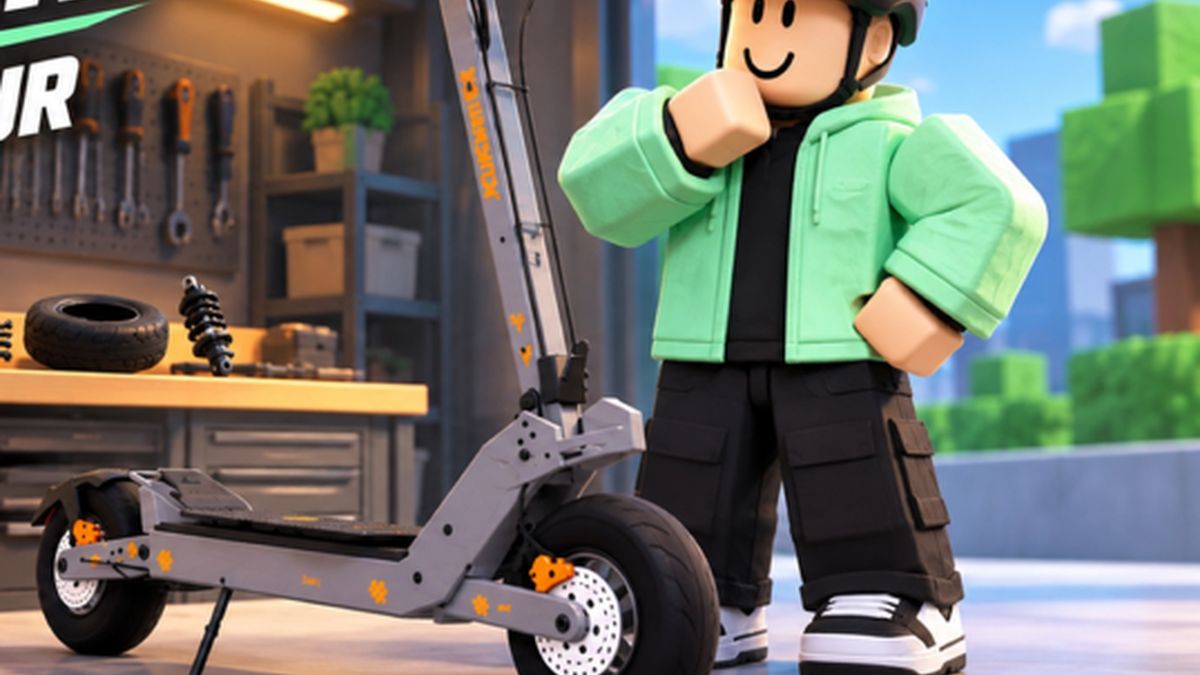
Official Voltline promotional image.
The scooter ladder
Every scooter in Voltline arrives as a flat pack with its own unboxing and assembly step. That is the game's signature move: upgrading is not a menu purchase, it is an afternoon in the garage.
| Scooter | Where it sits | What you are paying for |
|---|---|---|
| AOVOPRO ES80 | Your starter kit | Teaches the assembly and the cash loop. Slow but free. |
| VSETT 9+ | First real target named on the store page | Noticeably faster than the ES80, with a proper unboxing sequence. |
| KuKirin G4 | Second named target | A step above the VSETT, and priced accordingly. |
| Top-end build | Bought or assembled at the ceiling | Players report the most expensive scooter in the shop sitting around $5,000–$5,300 plus taxes. |
| Build your own | Available from the Market | Choose battery, motor and the rest yourself; the only route to a peak-spec machine. |
The store page names the ES80, the VSETT 9+ and the KuKirin G4 by name; everything past that is what players have bought and ridden.
Buy or build?
Buying a complete scooter from the Market gets you a known machine with a fixed spec, immediately. Building your own lets you pick the parts, which matters because the ceiling on a bought scooter is the ceiling of its stock specification. A high-spec custom build is the most expensive thing in the game and the fastest thing in the game, and there is nothing in between except money grinding.
The practical path players take:
- Ride the starter ES80 until deliveries are comfortable.
- Buy a second-hand scooter tier — the VSETT 9+ range — and feel what real top speed does to your income.
- Upgrade parts on whichever scooter you are riding (see parts and tuning).
- Only then start a Build your own order, with the best battery you can afford.
What "top speed" actually means here
The dash is not the whole story. On some scooters the speed readout stops displaying at 99 and keeps climbing in reality — players have tuned a build and then found the true number in the tuning screen, reading 121 mph for a heavily upgraded setup. That is roughly double what the stock scooter manages on a fresh build, and it is why a well-built scooter changes the delivery maths in the previous page's table.
How to see the real figure:
- Phone → Garage.
- Choose the scooter you want to inspect.
- Find the tuning view and select View tuning changes.
- The panel shows the top speed your current parts produce, above the display cap.
Assembly is not a formality
The unboxing and assembly step is real money-earning content the first time and a chore the fifth. Two things worth knowing:
- Every scooter model has its own assembly, so a new scooter means learning a new sequence rather than repeating the ES80's.
- You cannot skip it to get to the test ride. Build it, mount it with E, power it on, then ride.
Before you spend on a faster scooter
Practise on what you own first. Players who move from a slow scooter straight to a tuned one and immediately hold Sport mode tend to fall off within seconds — acceleration is not linear and the city is full of kerbs, parked cars and pedestrians. The extra top speed only turns into extra money after you can use it without crashing, so the sequence is: buy the speed, learn the throttle, then go online and run deliveries with it.
The honest answer on "best scooter"
There is no single best build, because the trade is always speed against range against cost. A peak-spec machine that can only afford a mid-range battery will spend more time charging than a slower scooter with a bigger pack. Pick the build that suits the runs you actually take: short dense city orders favour raw speed, long hauls favour battery. The battery and charging page is the other half of this decision.