
Beginner guide
Assemble the starter AOVOPRO ES80, walk up and hold E to mount it, then power the scooter on separately — being on the scooter does not mean it is running. Ride for easy cash, then open the phone with M and start VoltDash deliveries.
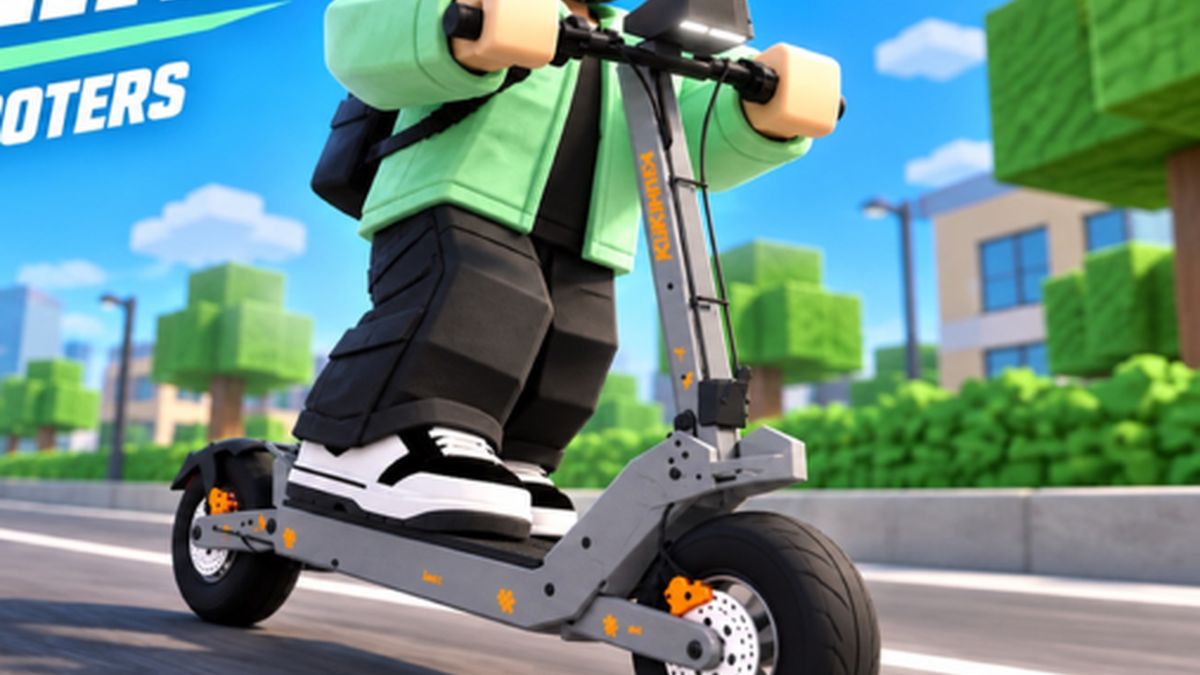
Official Voltline promotional image.
Your first ten minutes
The game drops you next to a flat pack and expects you to work out the rest. Here is the order that actually works.
- Unpack and assemble the AOVOPRO ES80. It is the starter kit, and the assembly step is part of the tutorial rather than an optional mini-game.
- Walk up to it and hold E to mount. Tapping E is not enough — it is a held input on desktop.
- Power the scooter on. This trips up almost everybody: sitting on the scooter does not mean it is running. There is a power control on the scooter, and on some models you also turn an ignition key first.
- Check the mode. Scooters have riding modes such as Eco and Sport. Sport is the fast one, and it is also the one that will put you on the pavement the moment you touch the throttle on a new scooter.
- Ride to earn, then open VoltDash. Riding alone pays a trickle. The real income starts when you open the phone with M, go into VoltDash and tap Go Online.
- Do two or three short deliveries before you buy anything at all. You want the pickup-and-drop-off rhythm in your hands first.
The phone is the actual game
Keep M in muscle memory. VoltDash, the Market, the Garage and Paint Lab all live on the phone, and the companion app is also how you recall a scooter you left across the map.
If the scooter is wedged somewhere and will not come to you, there are two fixes: spam H to teleport it back to your position, or open the phone, go to the Garage, pick the scooter and use bring scooter to me.
First purchases, in order
| Priority | What to buy | Why |
|---|---|---|
| 1 | Batteries and range parts | A flat battery mid-run costs you the order and the drive home. |
| 2 | Motor / performance parts | Top speed is what turns a three-minute delivery into a two-minute one. |
| 3 | Brakes, tyres, suspension | Cheaper than a crash, and suspension softens the city's kerbs. |
| 4 | Paint Lab, light kits | Purely cosmetic. Buy them when they are a rounding error. |
Riding modes and how not to crash
Modes are on the scooter itself. Eco is a relaxed throttle and Sport gives you the full speed the parts allow. A player who dropped straight into Sport on an upgraded scooter fell over immediately — acceleration is not linear and the city is full of kerbs, traffic and pedestrians.
Two habits that pay for themselves:
- Hold Shift over rough ground. It loosens the suspension so bumps do not throw you; players report it also helps you clear low obstacles you would otherwise clip.
- Slow down before junctions, not in them. Braking hard during a corner is what puts players on the floor in a delivery run.
Common first-hour problems
| Symptom | Cause | Fix |
|---|---|---|
| Scooter will not move | It is not powered on | Power it on; if that fails, check the ignition-style key on that model |
| Range suddenly useless | Battery is flat | Take it to the charging point, power it off, then connect it |
| Scooter is stuck across the map | It clipped geometry | Spam H, or use bring scooter to me from the Garage app |
| Can't find the delivery | No navigation help | Use the phone's navigation — the map is in the app, not on the windscreen |
Where to go next
Once those six steps are automatic, the money page matters more than this one: how the VoltDash loop and offer values actually work. After your first big upgrade, read parts and tuning so you are buying speed rather than noise.