
Controls & riding
M opens the in-game phone, E mounts the scooter, Shift softens the suspension over bumps, and H recalls a stuck scooter back to you. Power is a separate button on the scooter itself, and some models also need the ignition key turned.
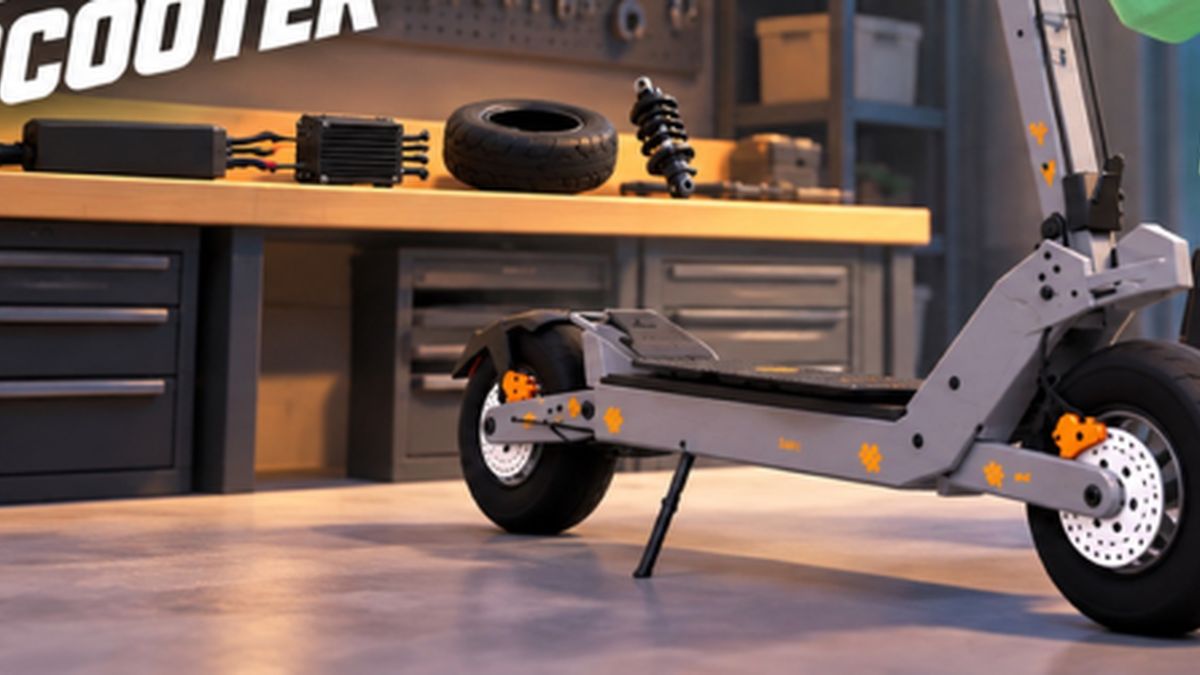
Official Voltline promotional image.
Every desktop keybind players use
Voltline is desktop-only during Early Testing, and the controls are keyboard-based. These are the bindings in the current build:
| Input | Action | Notes |
|---|---|---|
| E (hold) | Mount the scooter | Tapping is not enough — hold it |
| M | Open / close the in-game phone | The whole game lives in here: VoltDash, Market, Garage, Paint Lab |
| H (spam) | Recall a stuck scooter to you | The quickest fix when a scooter is wedged in scenery |
| Shift (hold) | Soften the suspension | Helps you ride over bumps and low obstacles |
| Power control | Turn the scooter on or off | On the scooter itself; the phone app can also toggle power |
| Ignition key | Start some models | Some scooters use an ignition-style start instead of a plain power button |
| Mode button | Cycle Eco / Sport (and cruise on some models) | On the scooter's own control cluster |
Powering on: the three routes
New riders lose their first five minutes to this, so treat it as a checklist:
- Mount first. Walk up, hold E.
- Then power the scooter on. Being mounted does not mean it is running; the scooter has its own power control.
- Some models need the ignition key. If the power button does nothing, look for the key on that model's cluster.
- Still refusing? Open the phone with M and manage the scooter's power from the companion app — players use this as the reliable fallback.
Ride modes
Scooters carry ride modes such as Eco and Sport, and some models show a third mode plus a cruise function. The trade is simple and brutal:
- Eco — relaxed throttle, better range, easier to learn on.
- Sport — full acceleration and top speed; the mode you want on clear roads and the mode that will throw you off in traffic.
Experienced players switch modes with the road: Eco through dense city centres where kerbs and traffic punish speed, Sport on the open stretches between deliveries.
Getting your scooter back
Two methods, both worth knowing:
| Method | How | When to use it |
|---|---|---|
| Keybind recall | Spam H | The scooter is nearby but clipped into geometry |
| App recall | Phone → Garage → pick the scooter → bring scooter to me | The scooter is across the map, or you want a different scooter |
The app route doubles as a scooter switcher: if one build is out of charge and another is parked in the garage, recall the fresh one instead of walking.
Not in the game yet
- Wheelies. Players have asked repeatedly; in the current build the trick does not really work — holding the brake and Shift will lift the front slightly and then drop it. The creator is aware, and this is the kind of thing Early Testing exists to fix.
- Mobile and console. The store page states desktop only for now. If you are hoping for a phone version, that would be part of a future build, not the current one.
Riding habits that stop crashes
- Test ride after every big upgrade. One quiet minute before your first paid order.
- Brake before the corner, not in it. The most common crash in a delivery run.
- Use Shift on kerbs and platforms. The loosened suspension is the difference between riding and falling.
- Skip the black platforms beside houses. Players report the dark platform at the side of every property is a glitch magnet and will drop you.
Once the inputs are muscle memory, go make money: the VoltDash loop is where those controls turn into an income.