
Money & deliveries
Open the phone with M, go into VoltDash and tap Go Online, then accept offers. Early offers pay around $150, but the best ones pay $450 and often place pickup and drop-off next to each other. Spend your first earnings on performance parts, not paint.
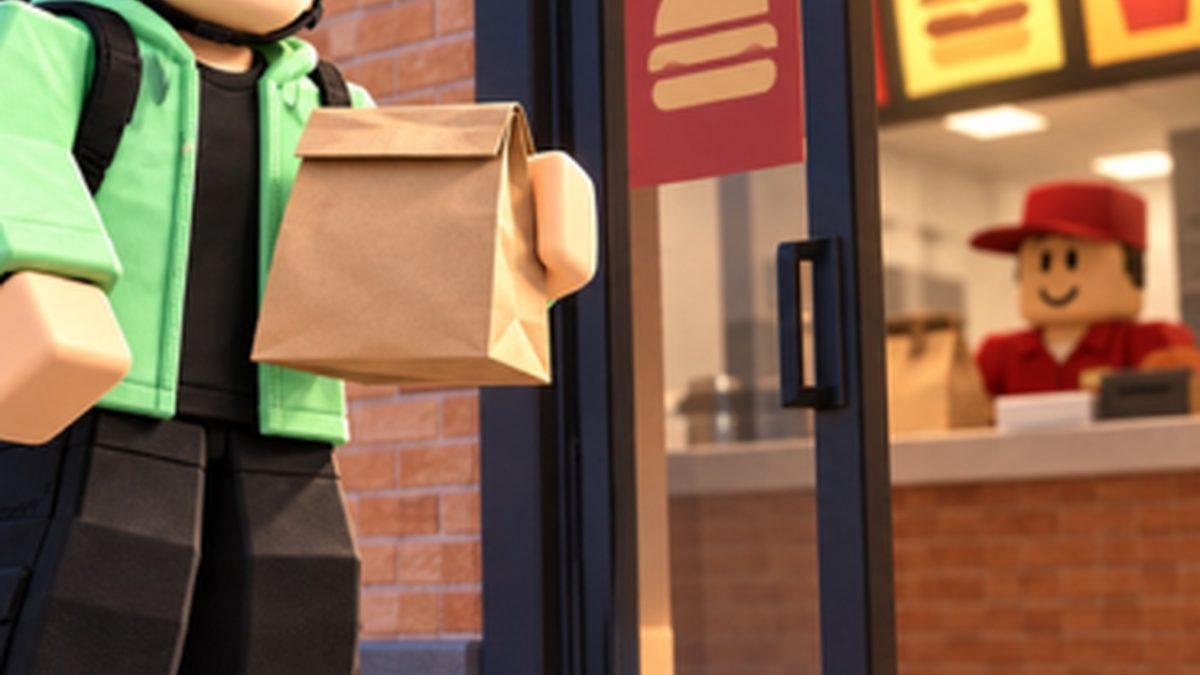
Official Voltline promotional image.
The loop, step by step
- Open the phone with M and go into VoltDash.
- Tap Go Online. Offers start appearing.
- Accept an offer. The map marks the restaurant first.
- Collect the order from the pickup point.
- Deliver it to the marked customer address. The HUD confirms the drop.
- Tap End Dash when you are done. Accept another offer, or end the shift and go shopping.
Deliveries are the reason the game has a money system at all. Riding around pays a trickle; orders pay the rent.
What offers actually pay
| Offer tier | Payout | When you see it | Take it? |
|---|---|---|---|
| Starter | around $150 | Your first sessions, on a stock ES80 | Yes — you need volume and practice |
| Mid | a few hundred dollars | Once your scooter has real top speed | Yes |
| Top | $450 | When the board rolls a high-value order | Always — these are the ones worth routing for |
Two things players have noticed about the big offers: the $450 jobs often put the restaurant and the customer right next to each other, so the drive between them is short, and the payout is fixed by the offer rather than by the distance you covered. A short, well-paying order is the whole game.
Why speed is the real currency
The delivery loop compounds. Say a run takes you three minutes on the starter scooter. Upgrade until it takes two, and you have not gained 33% speed — you have gained 50% more orders per hour, on the same payout per order, with the same fuel-free overhead. That is why serious players put every early dollar into the scooter instead of the paint shop.
| Your run time | Deliveries per hour | Relative income |
|---|---|---|
| 3.0 min | 20 | baseline |
| 2.5 min | 24 | +20% |
| 2.0 min | 30 | +50% |
| 1.5 min | 40 | +100% |
A note of realism on that table: the analysis class only adds up if you are not stopping to charge. A scooter that runs flat mid-run turns a two-minute delivery into a five-minute one, which is exactly the trap the battery page is about.
What to spend it on
| Priority | Buy | Why |
|---|---|---|
| 1 | Performance parts that raise top speed | Directly shortens every delivery you will ever run |
| 2 | Battery and range parts | Keeps you online instead of parked at a charger |
| 3 | A better scooter, or a Build your own order | The big jump — see scooters and builds |
| 4 | Paint Lab, light kits | Cosmetic. Only after the above stop mattering |
Practical habits that keep cash flowing
- Learn the city, not the route. VoltDash orders move around. Once you know where the restaurant rows and the customer streets are, you stop relying on the marker.
- Do not take a job your battery cannot finish. A failed order is worse than a declined one.
- End Dash deliberately. Ending a shift with a stale offer on the board wastes the trip; tap End Dash, then take a fresh one.
- Do not chase the fastest mode in traffic. Sport mode exists, and so do kerbs, pedestrians and police. Players report that the police presence is rough in the current build, and that a crash costs more time than the speed ever saved.
- Bank a buffer before big upgrades. Building the fastest scooter in the game takes serious money; buying parts you cannot finish paying for leaves you with a scooter that is worse than the one you started with.
Common delivery problems
| Problem | Likely cause | Fix |
|---|---|---|
| No offers appear | You are not online in VoltDash | Phone → VoltDash → Go Online |
| You cannot find the pickup | You are following the road, not the marker | Watch the map marker in the phone's app |
| Customer address looks wrong | The drop is inside a house plot | Park on the street and walk the last few metres |
| The delivery will not complete | You are not at the exact drop point | Get back on the marker until the HUD confirms |
Once deliveries are second nature, the next real upgrade in your life is the parts screen: parts and tuning.